FAQ
arrow_back_ios
How can the manager add extra products or notes to a reservation without showing them to clients?
Select the required field type and create it. You can find a detailed guide on creating and configuring fields here.
After creating the field, open its settings and select the Hide from clients checkbox.
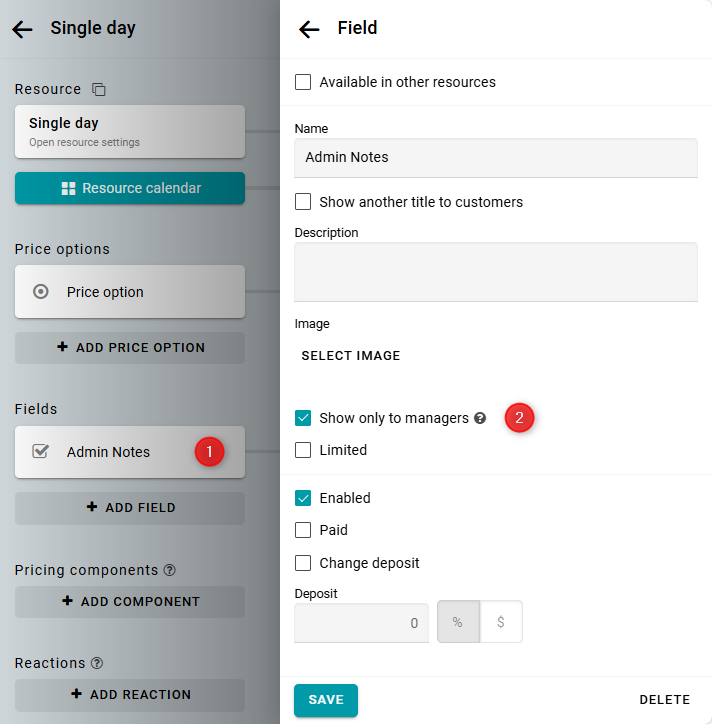
This field will not be displayed on the reservation form for the client. It will also not be shown to the client in message templates by default.
If you want the field to be displayed in the message to the client, you need to make changes to the corresponding message template. For instructions on working with templates, see here.