bukza — online bookingfor rentals and activities
What do your customers book?
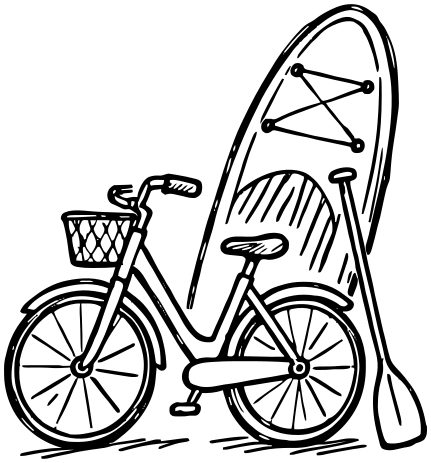
Rentals
Hourly or daily
- Bikes & scooters
- Kayaks & SUP boards
- Skis & snowboards
- Camping gear
- Tools
- Photo & video gear
- Photo booths
- Costumes & dresses

Entertainment
Timed sessions
- Escape rooms
- VR arenas
- Laser tag
- Paintball
- Karting
- Bowling
- Billiards
- Trampoline parks
- Kids' play areas
- Wind tunnels
- Gaming clubs

Spaces
By the hour
- Halls & lofts
- Meeting rooms
- Coworking desks
- Photo studios
- Recording studios
- Rehearsal rooms
- Dance halls
- Parking spaces
- Car-wash bays

Courts & sports
Hourly slots per court
- Tennis courts
- Padel courts
- Squash
- Football pitches
- Basketball
- Volleyball
- Golf
- Ice rinks
- Pool lanes
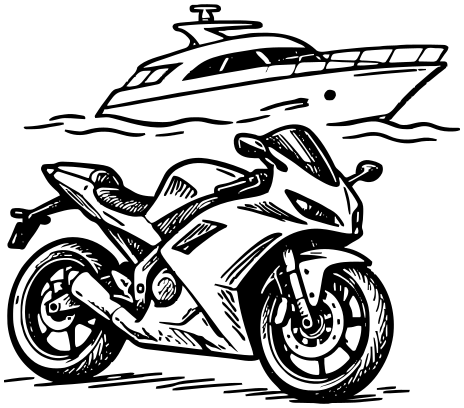
Vehicles & boats
Hourly or daily
- Cars & vans
- Motorbikes & ATVs
- Boats & jet skis
- Yachts
- Limousines

Saunas & retreats
Hourly or nightly
- Saunas & bathhouses
- Salt caves
- Gazebos & BBQ areas
- Cabins & cottages
- Chalets
- Campsites

Tours & experiences
Spots per departure
- Guided tours
- Rafting
- Balloon flights
- Outdoor adventures
- Museums
- Exhibitions
- Galleries

Classes & events
Spots per session
- Workshops
- Master classes
- Group yoga & pilates
- Dance classes
- Seminars
- Kids' parties
Try the widget your customers will see
Each button opens a live Bukza widget right here, the way it opens on your site.
Make the widget look like part of your site: it carries no Bukza branding. Choose between a light or dark theme and set any primary color you like.
Want more control? Customize the entire widget design using CSS.
See some examples below:
You can display a warning — "Bring your boating license to the pier" — that only appears when the "I have a boating license" checkbox is selected.
You can also hide that checkbox whenever no Motorboat is chosen.
Choose from 30 localizations, or translate the widget yourself by customizing any text.
You can also set any currency, time zone, and date or time format to match your local preferences.
Check out some localized examples:

Design custom email templates with any order data you need. These can range from simple text emails to beautiful, responsive HTML templates.
You can create as many templates as you like and use them to send messages to customers, employees, or yourself to stay updated on order events.
Emails to customers can be sent from your company address and signed with your domain's DKIM.
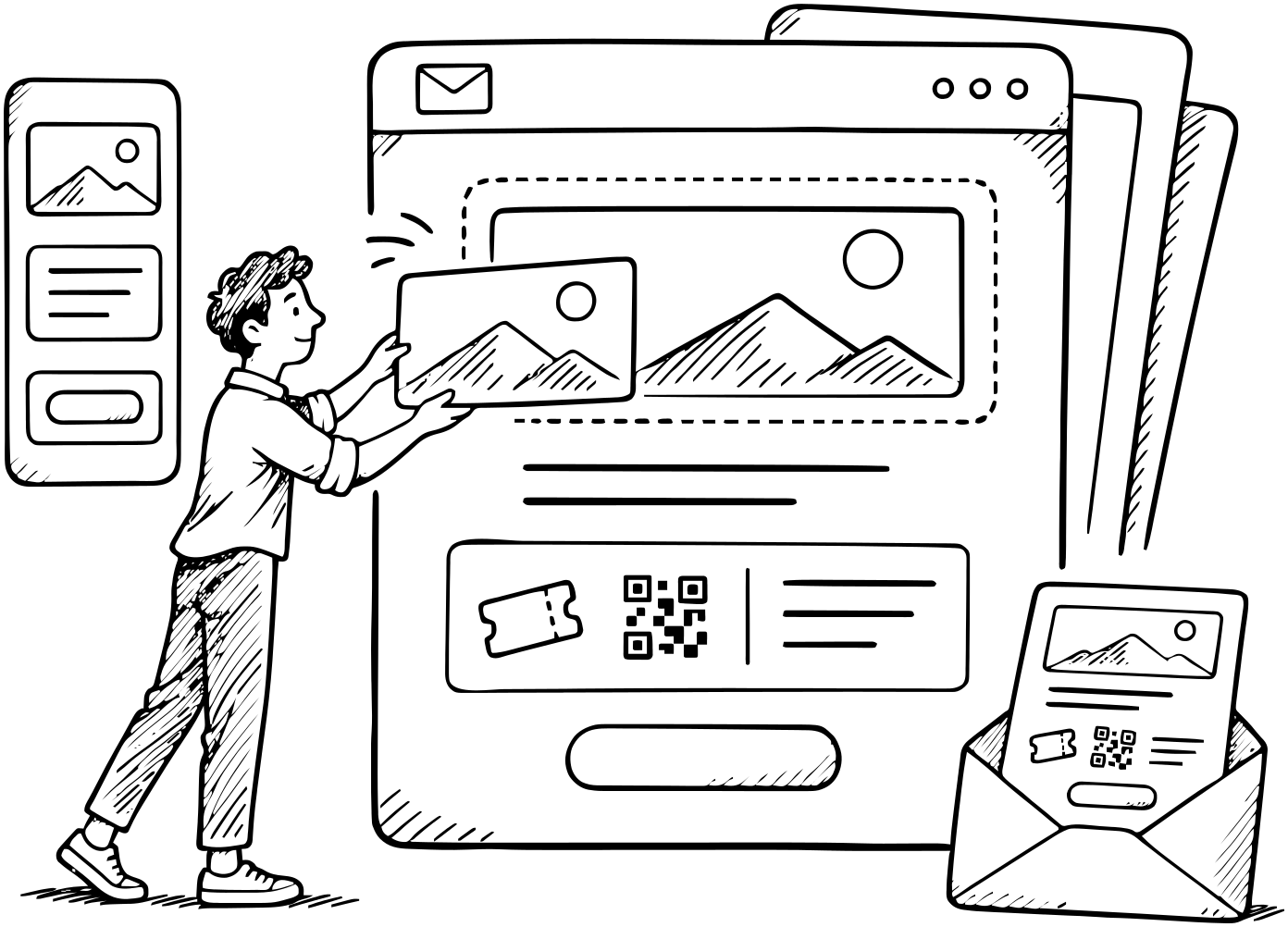
Your orders can include multiple reservations, much like items in a shopping cart. Both orders and reservations have statuses that track each step of your business workflow. You can create as many statuses as you need.
To automate tasks, use triggers. They can run manually or automatically on specific events, such as "15 minutes before the reservation starts." Each trigger executes a set of tasks - like sending an email, changing a status, or adding a comment. You can also apply conditions based on order data so that tasks only run if certain criteria are met.
Triggers can even send web requests containing any order data to your server or other external systems (e.g., CRM, Zapier, or SMS gateways).
For example, a boat rental can create a trigger that sends the manager a Telegram message if a boat isn't returned within 10 minutes after the reservation ends.
Preconfigure tables to display any order data columns, with sorting and filters applied for a predefined period.
You can also analyze your data by switching tables to calendar mode, allowing you to view orders across any time range - working hours, a week, a month, or even a full year.
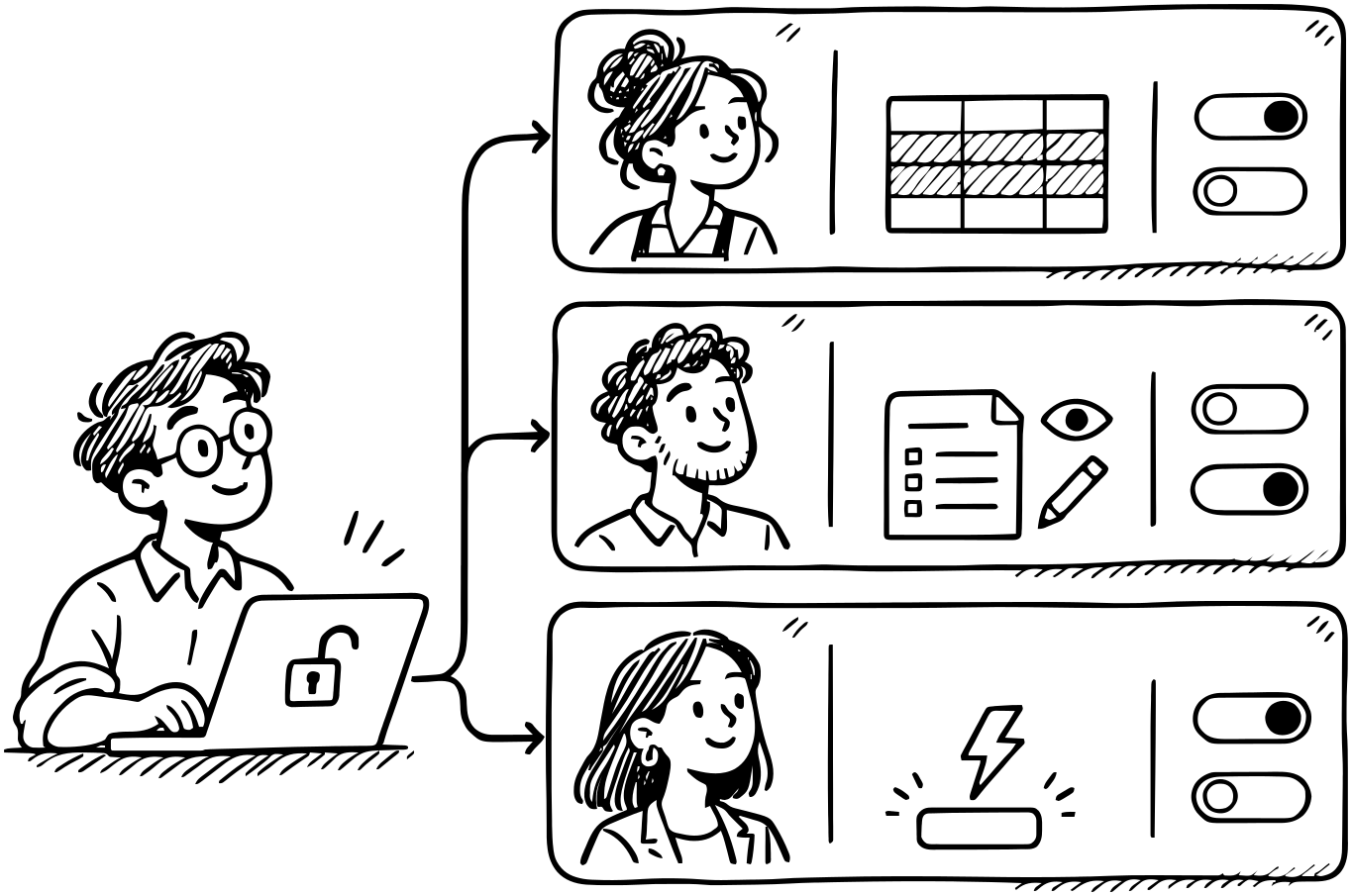
Create individual accounts for your employees with customized access permissions. For example, an employee can be restricted to specific tables, allowed to view or edit only certain orders, or authorized to run only specific triggers.
Integrate any payment gateway using our Payments API.
During the reservation process, you can charge the full amount or a partial payment, which can even be calculated dynamically based on the selected options.

Manage availability dynamically with multiple options:
- Use rules with complex schedules, including start and end times that shift relative to the current moment.
- Block availability for one resource based on reservations of other resources.
- Automatically block time between reservations for tasks like refueling or cleaning.
- Block availability directly from the manager's calendar.
- Enable 2-way synchronization with Google Calendar.